
QuickBooks Mac is the best accounting software made specifically for macOS users. It has both cloud-based and desktop versions that work perfectly with Apple’s ecosystem. As more businesses use Mac devices for their work, having a powerful accounting software Mac 2025 becomes crucial for keeping accurate financial records and improving business operations.
The significance of effective accounting software on macOS cannot be emphasized enough. Mac users need solutions that make the most of the platform’s user-friendly interface while offering complete financial management features. QuickBooks for macOS provides exactly this blend, with tools that seamlessly integrate with Mac’s built-in functions and design principles.
This guide covers everything you should know about QuickBooks on Mac:
- A detailed comparison between QuickBooks Online and Desktop versions
- Key features designed specifically for macOS environments
- Integration capabilities with popular business applications
- Security measures and support options tailored for Mac users
- Pricing structures and scalability options for different business sizes
- Other accounting solutions available for Mac users in 2025
Whether you’re a freelancer, small business owner, or part of a large organization, this article offers the information you need to choose the right accounting software for your Mac. For the best QuickBooks desktop experience, qbodesktop.com provides comprehensive solutions and expert support.
Understanding QuickBooks for Mac
QuickBooks Online Mac and QuickBooks Desktop Mac are two different types of macOS accounting solutions. They are designed to meet various business needs and preferences in workflow.
Cloud-Based vs. Local Installation
QuickBooks Online works entirely through web browsers, so you need an active internet connection to use it fully. This cloud-based solution automatically syncs data across multiple devices and allows real-time collaboration. Users can access their financial information from any Mac with internet connectivity, making it perfect for businesses with remote teams or multiple locations.
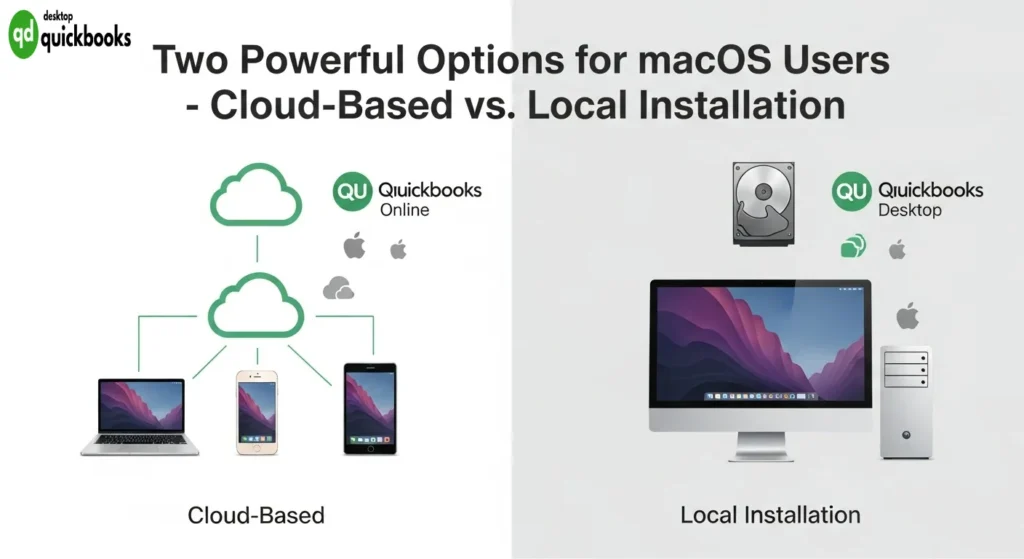
On the other hand, QuickBooks Desktop for Mac is installed directly on macOS devices and stores company files locally on the computer’s hard drive. This version can perform core accounting tasks without needing an internet connection, although some features like payroll updates require occasional online access.
macOS-Optimized Features
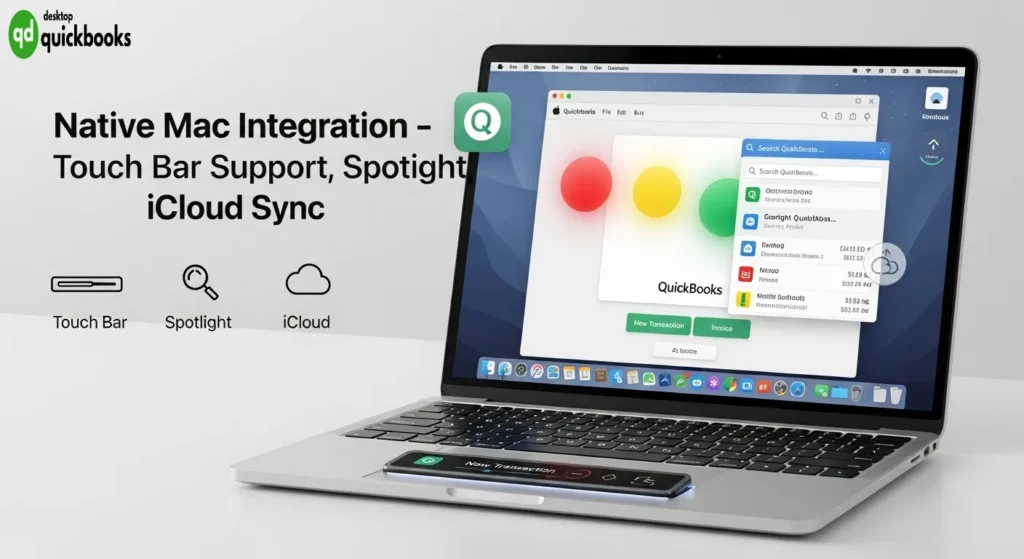
Both versions integrate seamlessly with macOS ecosystem features:
- Native Mac interface design following Apple’s user experience guidelines
- Touch Bar support on compatible MacBook Pro models
- Spotlight search integration for quick file access
- iCloud synchronization capabilities for document storage
Target User Profiles
The online version is suitable for:
- Small businesses that need access from multiple locations
- Teams requiring real-time collaboration
- Companies prioritizing automatic updates and maintenance-free operation
The desktop version appeals to:
- Businesses that require offline functionality
- Users who prefer local data control
- Companies with complex inventory management needs
For comprehensive QuickBooks Desktop solutions, qbodesktop.com provides expert guidance and support for Mac users seeking locally-installed accounting software.
Features of QuickBooks Online for Mac
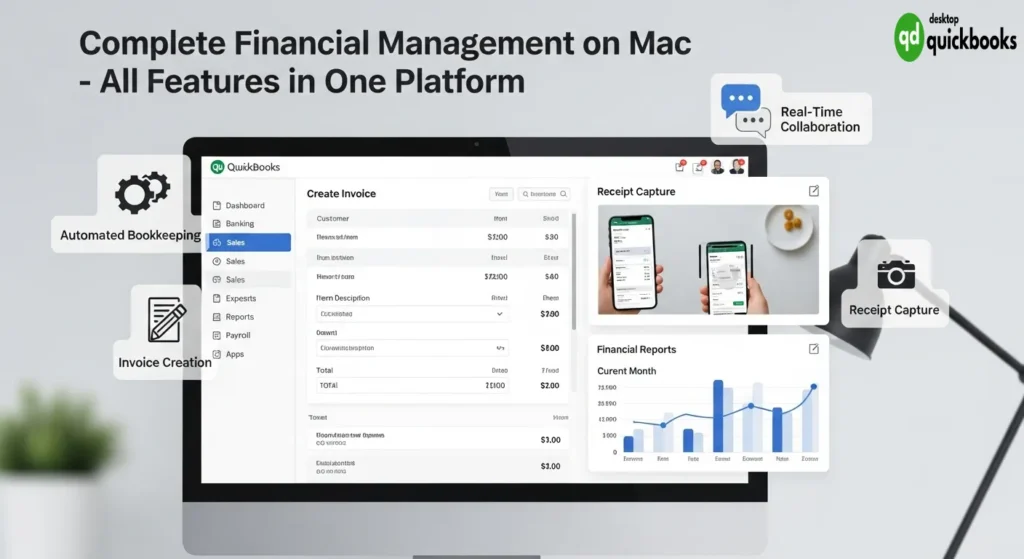
QuickBooks Online delivers powerful bookkeeping Mac capabilities that transform how Mac users manage their financial operations. The platform excels at tracking income and expenses with automated categorization, allowing businesses to maintain accurate records without manual data entry overhead.
Core Financial Management
The invoicing system stands out as a comprehensive solution for invoicing on Mac users, enabling professional invoice creation with customizable templates. Payment processing integrates seamlessly with credit card processors and bank transfer systems, reducing collection times and improving cash flow management.
Receipt capture technology leverages mobile photo uploads, automatically extracting relevant data and categorizing expenses. This feature eliminates paper receipt management while ensuring tax-deductible expenses remain properly documented.
Advanced Tracking Capabilities
- Mileage tracking automatically calculates business travel deductions
- Sales tax calculation handles complex multi-jurisdiction requirements
- Bill management streamlines vendor payment workflows
- Multi-currency transactions Mac support accommodates international business operations
Reporting and Collaboration
Financial reporting generates detailed profit and loss statements, balance sheets, and cash flow reports with real-time data updates. The system produces over 65 standard reports while allowing custom report creation for specific business needs.
Payroll management integrates directly with bookkeeping functions, automatically updating employee costs and tax liabilities. Accountant collaboration features provide controlled access levels, enabling professional oversight without compromising data security. QBO Desktop offers additional desktop solutions for businesses requiring local installation options.
Features of QuickBooks Desktop for Mac
QuickBooks Desktop installation Mac requires specific system compatibility to ensure optimal performance on macOS devices. The software demands macOS 10.15 (Catalina) or later versions, with at least 4GB RAM and 2.5GB available disk space. Users must verify their Mac meets these requirements before proceeding with installation to avoid compatibility issues.
Multiuser Mode Functionality
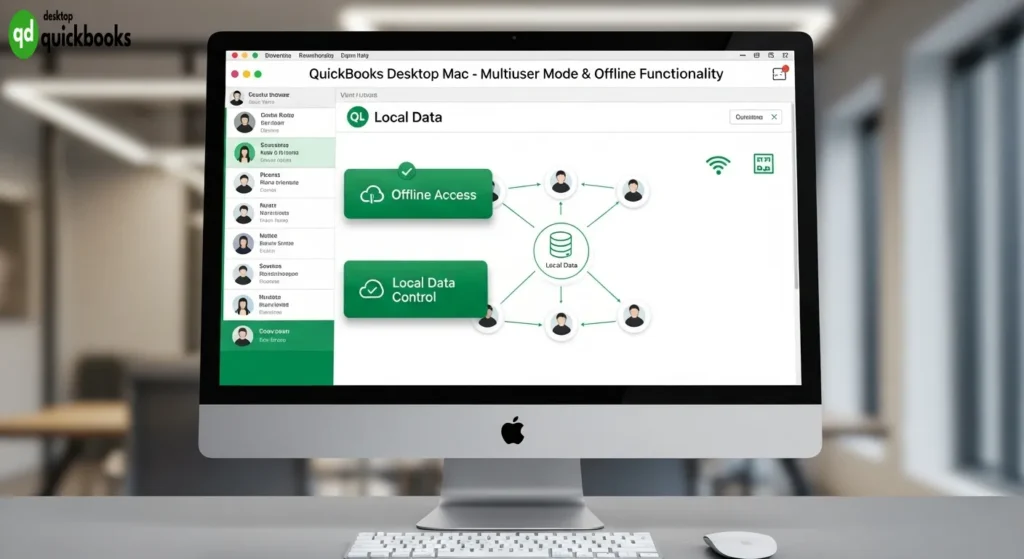
The multiuser mode macOS functionality stands as a cornerstone feature, enabling up to five simultaneous users to access the same company file from different workstations. This capability proves invaluable for growing businesses where multiple team members need concurrent access to financial data. Each user can work independently while maintaining data integrity across the network.
Offline Accessibility and Data Control
Local accounting software Mac users benefit significantly from offline accessibility and enhanced data control. Unlike cloud-based solutions, QuickBooks Mac desktop version stores all financial information directly on your device, ensuring:
- Complete offline functionality – Work without internet connectivity
- Faster data processing – No dependency on internet speed
- Enhanced security control – Direct oversight of data storage location
- Reduced subscription costs – One-time purchase model available
Company File Compatibility During Upgrades
Upgrading from previous QuickBooks versions requires careful attention to company file compatibility. The software automatically prompts users to update their existing files to the current format, though this process creates permanent changes. Creating backup copies before upgrading protects against potential data loss during the conversion process.
For businesses seeking reliable QuickBooks desktop solutions, the Mac version delivers robust local processing capabilities while maintaining the familiar QuickBooks interface Mac users expect.
Integration and Automation Capabilities in QuickBooks for Mac
QuickBooks integrations Mac 2025 capabilities transform how Mac users manage their business operations by connecting with hundreds of third-party applications. The platform seamlessly integrates with popular e-commerce platforms like Shopify, Amazon, and eBay, automatically importing sales data and customer information directly into your accounting system. Payment processors including PayPal, Stripe, and Square sync transaction data in real-time, eliminating manual data entry and reducing reconciliation time.
Banking integrations allow automatic transaction downloads from over 14,000 financial institutions, while CRM systems like Salesforce and HubSpot synchronize customer data across platforms. Inventory management tools such as TradeGecko and Cin7 provide real-time stock level updates, ensuring accurate financial reporting.
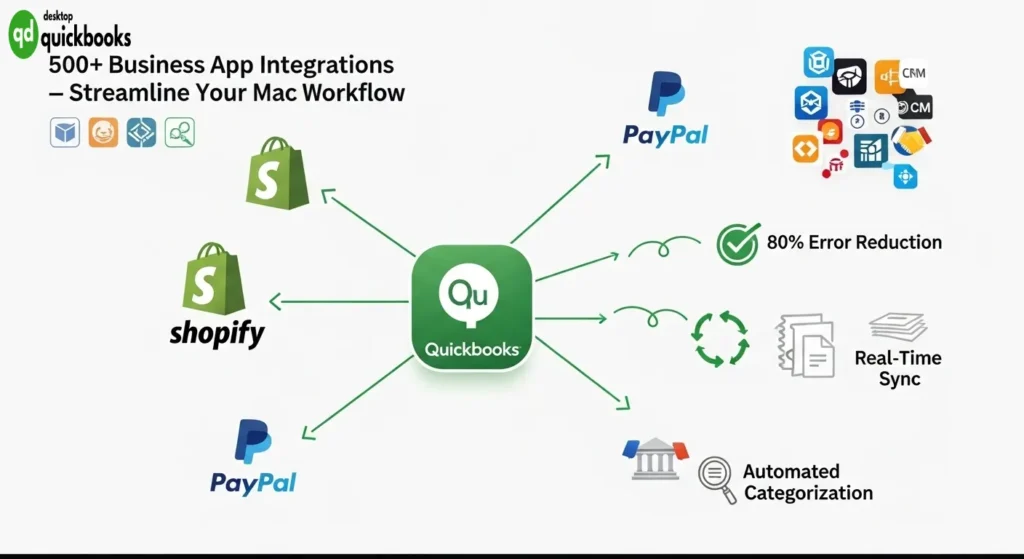
Automation accounting workflows Mac 2025 features significantly enhance operational efficiency through intelligent rule-based processing. QuickBooks automatically categorizes recurring transactions based on learned patterns, applies appropriate tax codes to purchases, and generates invoices for subscription-based services. The system creates automatic journal entries for depreciation, handles recurring bill payments, and sends payment reminders to customers at predetermined intervals.
Smart receipt capture technology uses OCR to extract vendor information, amounts, and expense categories from photographed receipts. Bank feed rules automatically match and categorize downloaded transactions, while recurring invoice templates generate and send bills to clients without manual intervention. These automation features reduce data entry errors by up to 80% while freeing valuable time for strategic business decisions. For the most reliable QuickBooks desktop experience, qbodesktop.com provides comprehensive support and setup services.
Security Features and Support Options for QuickBooks Mac Users in 2025
QuickBooks Online implements multi-layered accounting software security measures on Macs 2025 through 256-bit SSL encryption, automatic data backups, and two-factor authentication. The cloud-based platform maintains SOC 1 and SOC 2 Type II compliance while providing real-time security monitoring and fraud detection capabilities specifically optimized for macOS environments.
QuickBooks Desktop for Mac offers robust local security through encrypted company files, user access controls, and password protection features. The desktop version allows businesses to maintain complete control over their financial data storage while implementing custom security protocols that align with their Mac-based infrastructure.
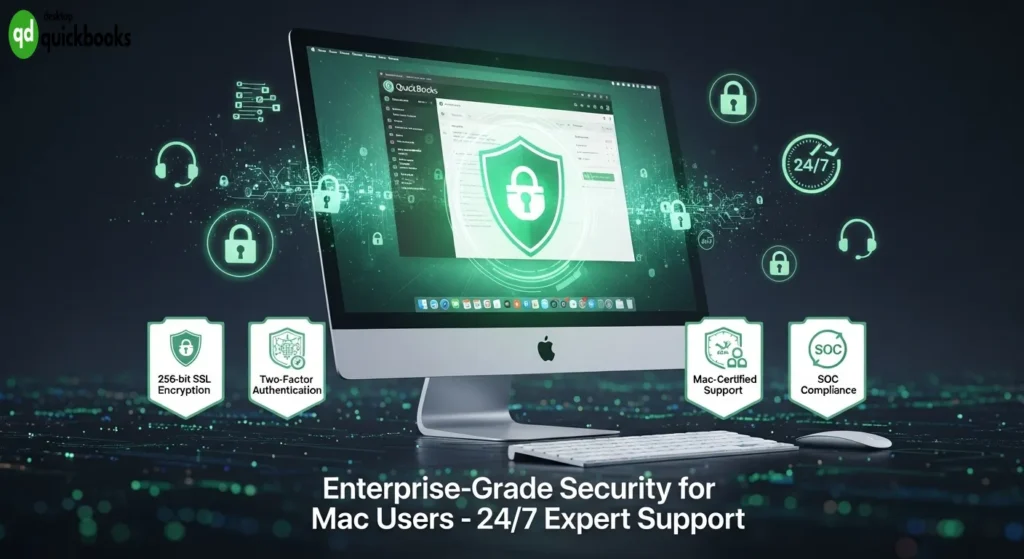
Both versions provide comprehensive QuickBooks expert support options for macOS users including:
- 24/7 live chat support with Mac-certified specialists
- Phone support during extended business hours
- Screen-sharing assistance for Mac-specific troubleshooting
- Community forums dedicated to macOS users
- Video tutorials optimized for Mac interfaces
Mac users benefit from dedicated support teams trained specifically on macOS integration challenges, ensuring seamless resolution of platform-specific issues. The support infrastructure includes specialized knowledge of Mac file systems, permissions, and compatibility requirements that enhance the overall user experience for businesses operating exclusively on Apple devices. For the most reliable QuickBooks desktop experience, qbodesktop.com serves as the best QuickBooks desktop provider.
Pricing Plans, Scalability, and Alternatives to QuickBooks for Mac in 2025
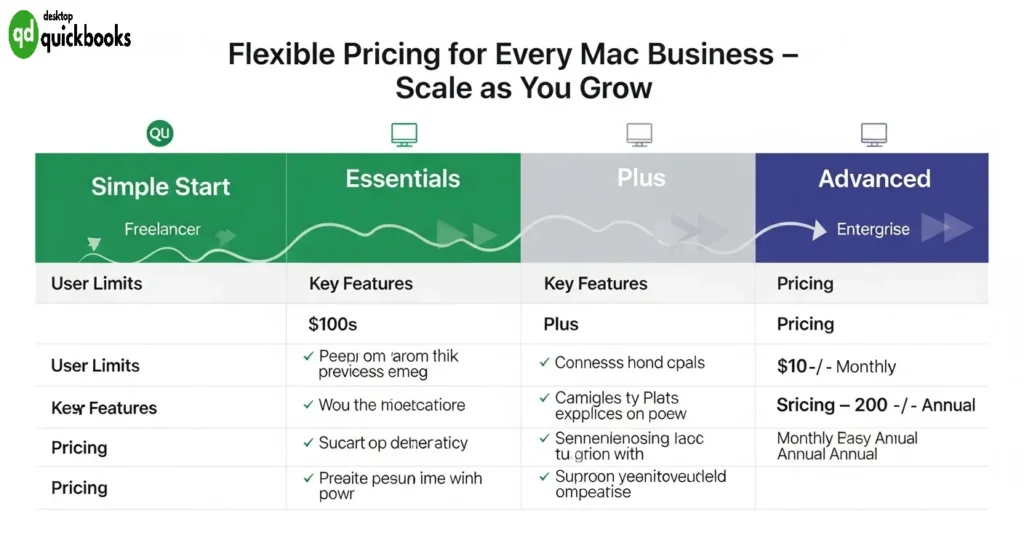
QuickBooks pricing plans for macOS users 2025 span multiple tiers designed to accommodate varying business requirements. The Simple Start plan supports one user and covers basic invoicing and expense tracking, while the Essentials tier expands to three users with bill management capabilities. Plus accommodates five users with inventory tracking, and Advanced supports up to 25 users with advanced reporting features. Each tier includes specific add-on options such as payroll services, payment processing, and industry-specific tools.
Scalability for Growing Businesses
Scalable accounting software options on Macs 2025 allow businesses to expand their financial management capabilities seamlessly. QuickBooks Online grows with companies from solo freelancers managing basic transactions to enterprises requiring multi-location reporting and advanced user permissions. The platform’s modular approach enables businesses to add features like time tracking, project management, and specialized industry tools without switching software platforms.
Alternative Solutions for Mac Users
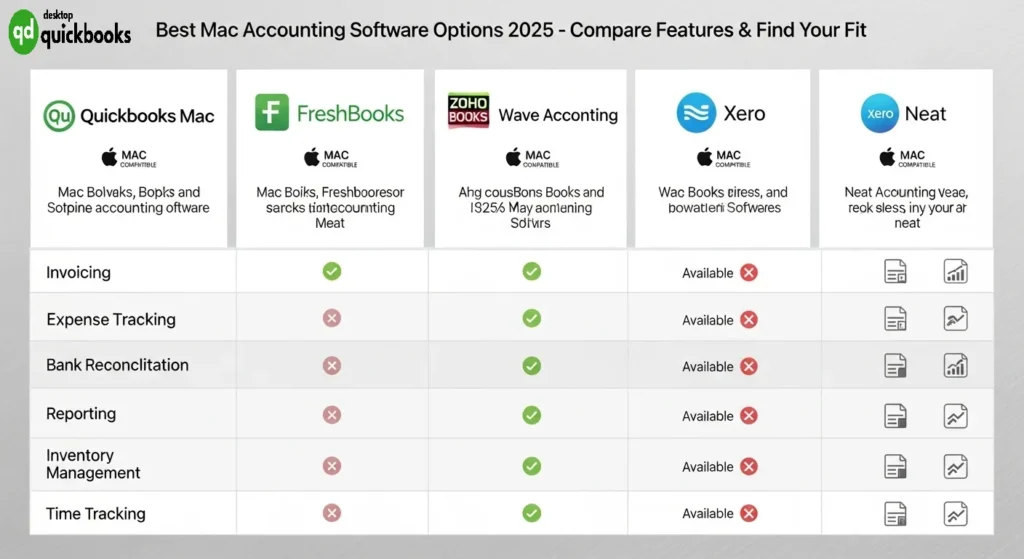
FreshBooks as a FreshBooks alternative to QuickBooks excels in client-focused features, offering streamlined invoicing, comprehensive time tracking, and multi-currency billing capabilities. The platform’s user-friendly interface appeals to service-based businesses prioritizing client relationship management.
Zoho Books integrates seamlessly with CRM systems, providing inventory management and automated workflows that benefit businesses requiring comprehensive customer data synchronization across departments.
Wave Accounting delivers robust functionality at no cost, making it ideal for freelancers and startups managing basic bookkeeping requirements without subscription fees.
Xero incorporates AI-powered features for automated bank reconciliation and expense categorization, while Neat combines traditional accounting with advanced document management capabilities. These alternatives demonstrate the diverse quickbooks mac ecosystem available to macOS users seeking specialized functionality beyond traditional accounting software.
For comprehensive QuickBooks desktop solutions, https://qbodesktop.com/ provides expert guidance as the best QuickBooks desktop provider for Mac users evaluating their accounting software options.
Conclusion
QuickBooks Mac is the best accounting software choice on a mac for businesses looking for complete financial management solutions. It offers both Online and Desktop versions, allowing Mac users to choose the deployment method that fits their operational preferences and technical needs.
With its native macOS optimization and powerful features like automated bookkeeping, seamless integrations, and flexible pricing options, QuickBooks is the top choice for Mac-based businesses. Whether you’re a freelancer handling basic invoicing or an enterprise needing multi-user access and advanced reporting, QuickBooks provides the functionality and dependability that Mac users require.
For the most reliable QuickBooks Desktop experience, consider QBO Desktop as your trusted provider for implementation and ongoing support.
FAQs (Frequently Asked Questions)
What are the main differences between QuickBooks Online and QuickBooks Desktop for Mac users?
QuickBooks Online for Mac is a cloud-based solution ideal for users who prefer access from anywhere with automated bookkeeping, invoicing, multi-currency support, and collaboration features. QuickBooks Desktop for Mac is locally installed software offering multiuser mode, offline usage, and benefits of local data storage, suitable for those preferring on-premise accounting solutions.
Which key features does QuickBooks Online offer specifically optimized for macOS in 2025?
QuickBooks Online for Mac includes comprehensive bookkeeping with income and expense tracking, automated tasks to save time, invoicing with credit card and bank transfer payments, receipt capture via mobile photo uploads, mileage tracking, sales tax calculations, bill management, detailed financial reporting, payroll management, and controlled accountant collaboration.
What are the installation requirements and benefits of using QuickBooks Desktop on macOS devices?
QuickBooks Desktop installation on Mac requires compatible macOS devices meeting system specifications. Benefits include multiuser mode allowing simultaneous workstation access, local data storage ensuring offline availability, enhanced control over company files, and considerations for smooth upgrades from previous versions.
How does QuickBooks integrate with other business apps and automate accounting workflows on Macs in 2025?
QuickBooks for Mac in 2025 integrates seamlessly with numerous business applications and sales channels to streamline operations. It automates financial workflows such as invoicing, expense tracking, and reporting to improve efficiency while reducing manual errors across accounting processes.
What security measures and support options are available for QuickBooks Mac users in 2025?
Both QuickBooks Online and Desktop versions implement robust security protocols to protect financial data on Macs in 2025. Users have access to expert support tailored specifically for macOS environments ensuring prompt assistance with setup, troubleshooting, and optimization of accounting software.
What are the pricing plans and scalable alternatives to QuickBooks for Mac users in 2025?
QuickBooks offers various pricing tiers for macOS users including user limits and add-on features catering to different business sizes from freelancers to enterprises. Alternatives such as FreshBooks (client invoicing and time tracking), Zoho Books (CRM integration), Wave Accounting (free option), Xero (AI features), and Neat (document management) provide scalable solutions suited to diverse accounting needs.
Can you be more specific about the content of your article? After reading it, I still have some doubts. Hope you can help me.